



This item was turned off by dÅTERRA compliance on
Reason:
Give the Gift of One Drop (Instructions in description)
 Add to
Collection
 Share
Sharethis

 Follow this
Contributor

Item Description
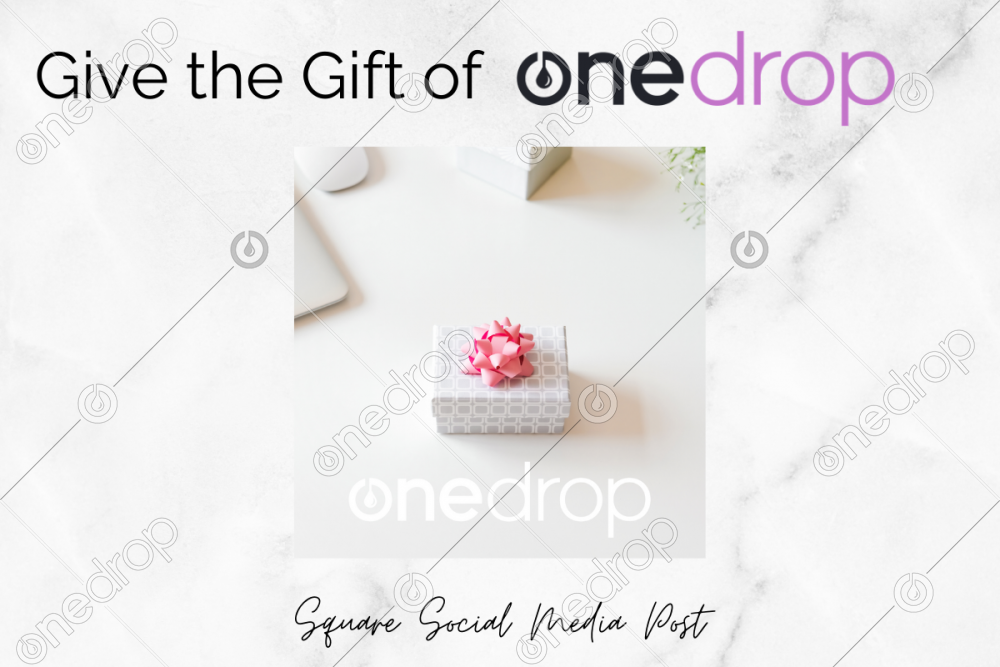
Simple clean minimal graphic about giving the gift of a One Drop subscription.
Use as an incentive for your builders, set a monthly goal, give as a reward for achievements etc.
The possibilities are endless!
How this works:
1. Log into your One Drop account, hover over "Love One Drop" and a drop-down menu will open. Click on "Gift Memberships".
2. Type in your leader's fist name, last name, and email address. Select the plan you want to pay for (monthly - how many months, or annual)
*Don't worry we won't store your credit card on their account!
3. Track your gifts! Yep, we made sure you can see when your members activate their gift from you and if for any reason they don't activate it you have the ability to reassign it to a new leader.
1. Log into your One Drop account, hover over "Love One Drop" and a drop-down menu will open. Click on "Gift Memberships".
2. Type in your leader's fist name, last name, and email address. Select the plan you want to pay for (monthly - how many months, or annual)
*Don't worry we won't store your credit card on their account!
3. Track your gifts! Yep, we made sure you can see when your members activate their gift from you and if for any reason they don't activate it you have the ability to reassign it to a new leader.
Square orientation graphic for your social media posts. Can also use in stories.
Please add your watermark/logo before posting.
Thank you for downloading and have a lovely day!

This item requires a One Drop subscription to download.
Already a One Drop member?
click here to sign in
|

Item Description
Simple clean minimal graphic about giving the gift of a One Drop subscription.
Use as an incentive for your builders, set a monthly goal, give as a reward for achievements etc.
The possibilities are endless!
How this works:
1. Log into your One Drop account, hover over "Love One Drop" and a drop-down menu will open. Click on "Gift Memberships".
2. Type in your leader's fist name, last name, and email address. Select the plan you want to pay for (monthly - how many months, or annual)
*Don't worry we won't store your credit card on their account!
3. Track your gifts! Yep, we made sure you can see when your members activate their gift from you and if for any reason they don't activate it you have the ability to reassign it to a new leader.
1. Log into your One Drop account, hover over "Love One Drop" and a drop-down menu will open. Click on "Gift Memberships".
2. Type in your leader's fist name, last name, and email address. Select the plan you want to pay for (monthly - how many months, or annual)
*Don't worry we won't store your credit card on their account!
3. Track your gifts! Yep, we made sure you can see when your members activate their gift from you and if for any reason they don't activate it you have the ability to reassign it to a new leader.
Square orientation graphic for your social media posts. Can also use in stories.
Please add your watermark/logo before posting.
Thank you for downloading and have a lovely day!


