



This item was turned off by dÅTERRA compliance on
Reason:
Apple Watch Face
 Add to
Collection
 Share
Sharethis

 Follow this
Contributor
Item Description
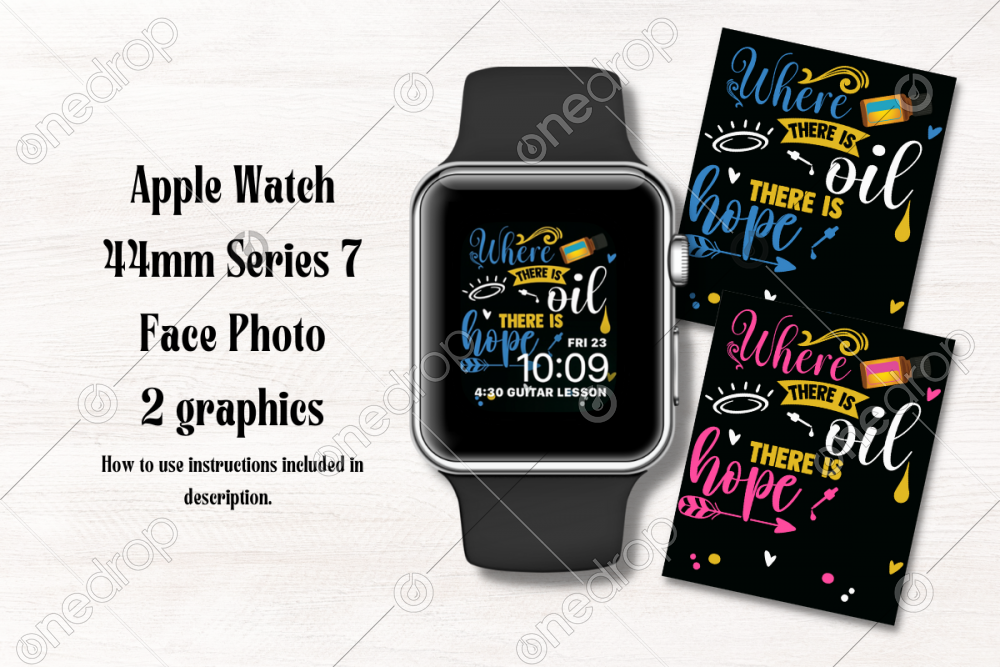
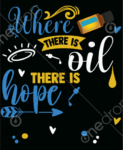
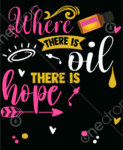
Apple Watch Face Where there is oils there is hope
2 graphics - Blue and Pink options
Download zip file, extract files.
Save to Photos on iPhone.
How to use instructions:
- Open Photos on iPhone
- Find the photo you’d like to use for a new watch face
- Tap the share button in the bottom left corner
- Scroll to find and tap Create Watch Face
- Select Photos Watch Face
- Scroll to Time Position
- Select Bottom
- Make any adjustments to Complications
- Tap Add toward the top of your screen
- Your new face should show up on your Watch right away 😄
Find similar graphics in my Apple Watch Faces collection.
Please remember to watermark. Follow my contributor page for more!
Other Collections:

This item requires a One Drop subscription to download.
Already a One Drop member?
click here to sign in
|

Item Description
Apple Watch Face Where there is oils there is hope
2 graphics - Blue and Pink options
Download zip file, extract files.
Save to Photos on iPhone.
How to use instructions:
- Open Photos on iPhone
- Find the photo you’d like to use for a new watch face
- Tap the share button in the bottom left corner
- Scroll to find and tap Create Watch Face
- Select Photos Watch Face
- Scroll to Time Position
- Select Bottom
- Make any adjustments to Complications
- Tap Add toward the top of your screen
- Your new face should show up on your Watch right away 😄
Find similar graphics in my Apple Watch Faces collection.
Please remember to watermark. Follow my contributor page for more!
Other Collections:


